Project forms & logs
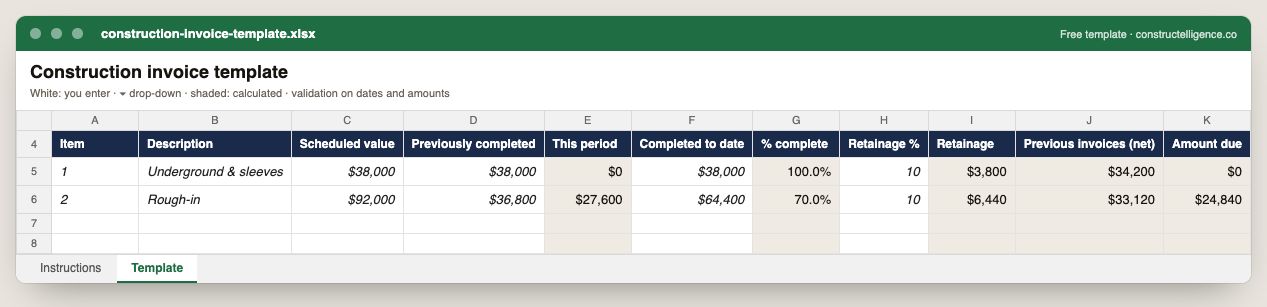
Construction invoice template
Each invoice line with scheduled value, previously completed and completed to date, with this period, percent complete, retainage, previous invoices net of…
Download ExcelGuide & example →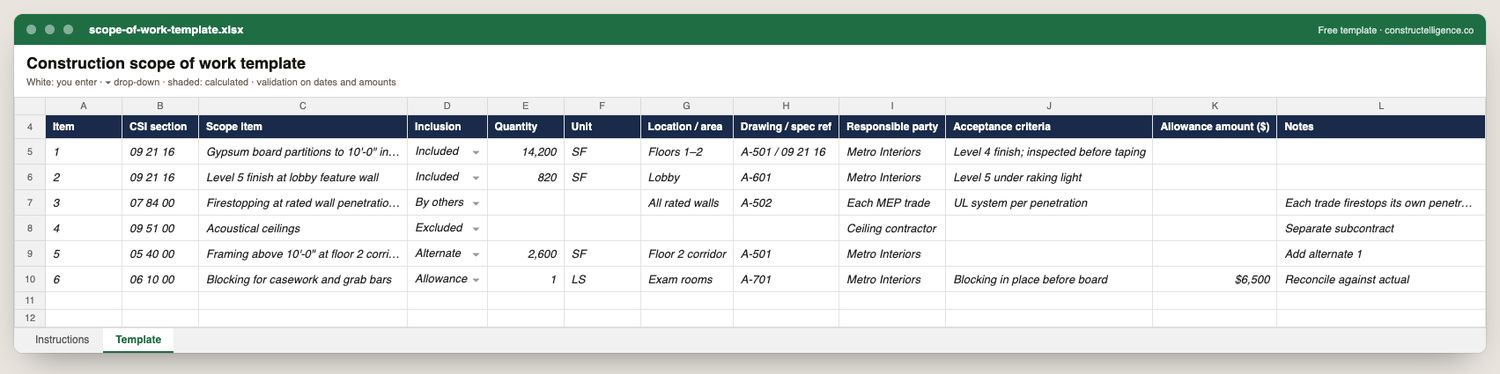
Scope of work template
Everything a scope of work has to pin down to prevent a scope gap: what the item is, whether it is in or out (and if out, whose it is), how much, where, which…
Download ExcelGuide & example →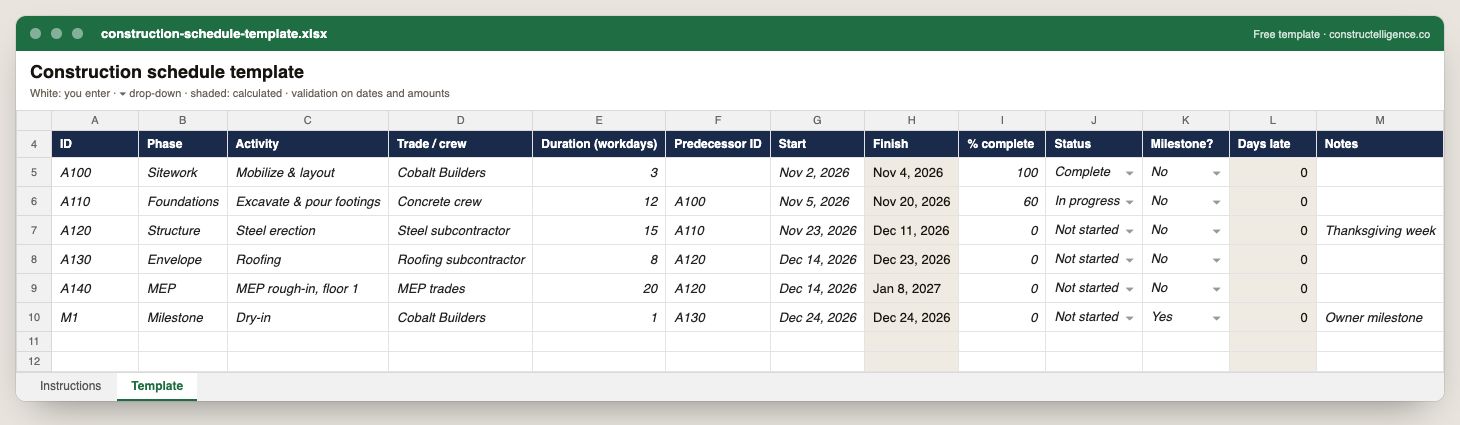
Construction schedule template
The data a construction schedule needs to be updated weekly and read at a glance: each activity's phase, trade, duration, the activity it follows, its dates,…
Download ExcelGuide & example →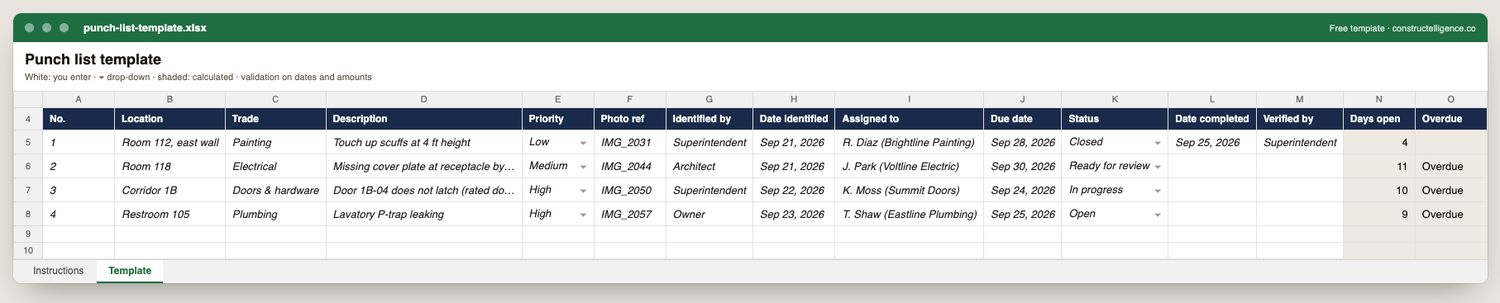
Punch list template
Everything needed to get a punch list closed rather than just written: where the item is, which trade owns it, what is wrong, how urgent it is, the photo, who found…
Download ExcelGuide & example →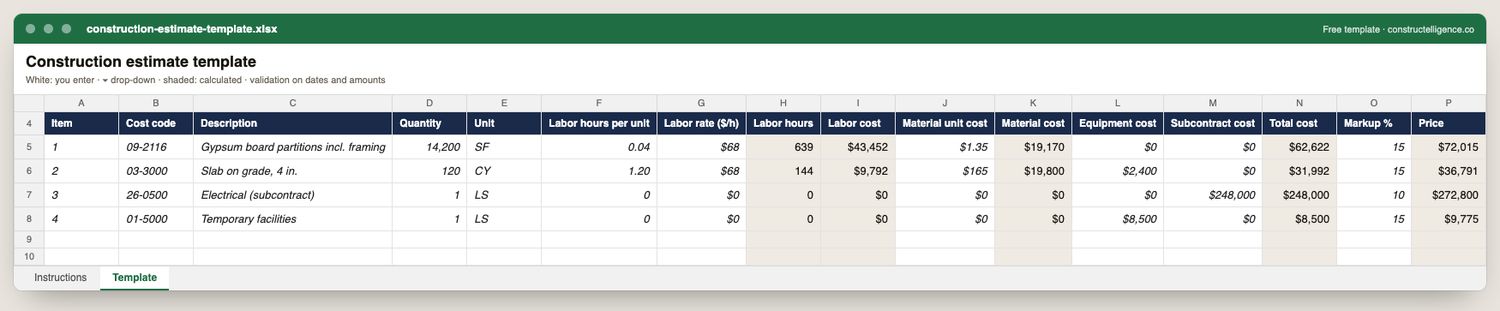
Construction estimate template
Everything a line of a construction estimate needs so it can be checked and later compared with actual cost: cost code, quantity and unit, labor productivity and…
Download ExcelGuide & example →
Change order form
Everything an owner or general contractor needs to approve a change and everything you need to bill it: the change and its reason, each cost line by cost type with…
Download ExcelGuide & example →
Construction daily report template
Everything a daily report needs to stand up later as a record — the date, weather, every trade on site with headcount and hours, what they did and where, equipment,…
Download ExcelGuide & example →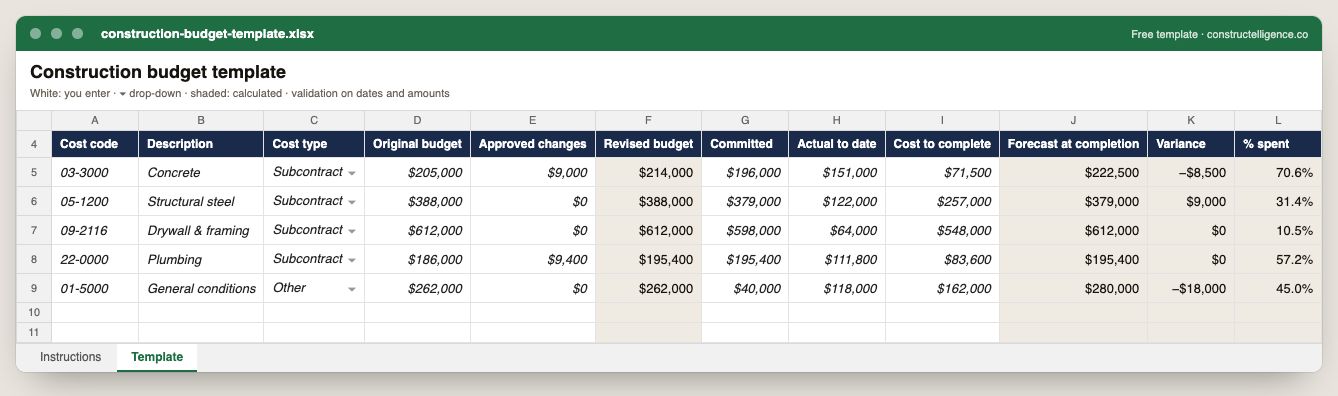
Construction budget template
Everything a job budget needs to forecast rather than just record: each cost code's original budget and approved changes, what is committed and what is spent, the…
Download ExcelGuide & example →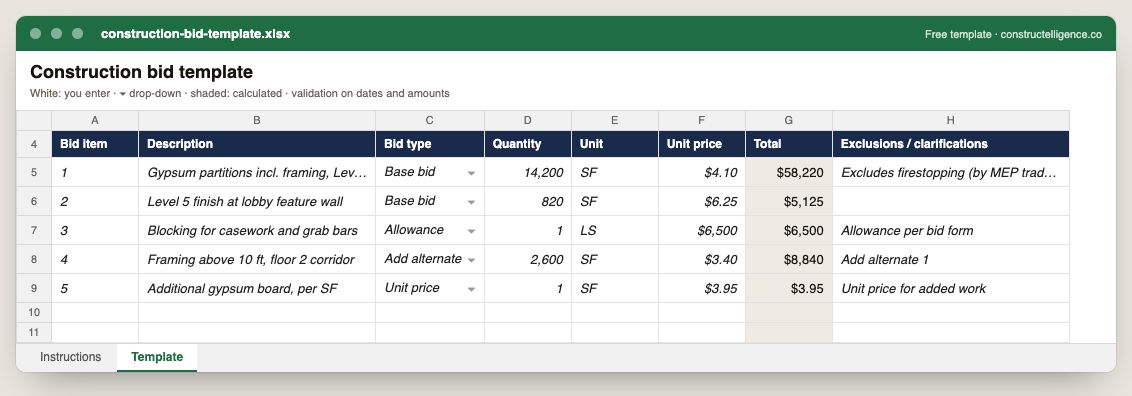
Construction bid template
Everything a bid has to state so it can be compared and accepted without a phone call: each bid item, whether it is base bid, an alternate, an allowance or a unit…
Download ExcelGuide & example →
RFI template
Everything needed to get an RFI answered and to prove later what was asked and when: the question, the reference, your proposed solution, sender and recipient, the…
Download ExcelGuide & example →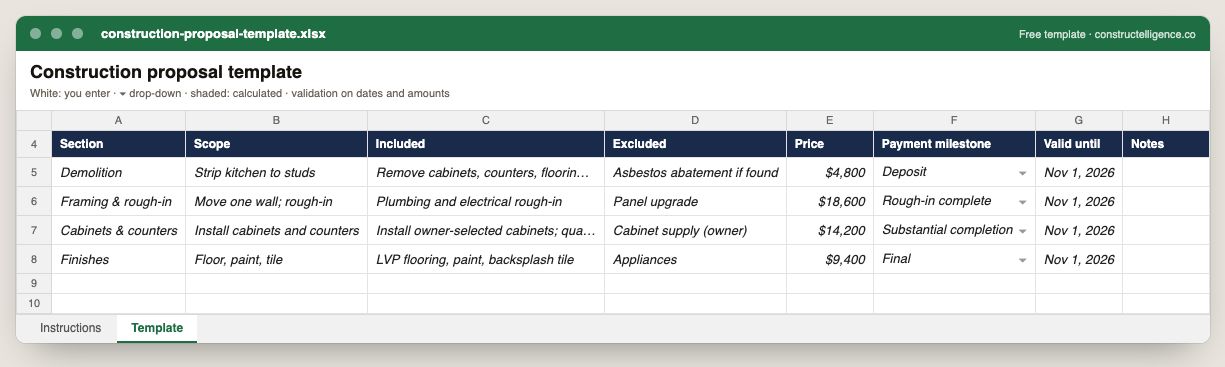
Construction proposal template
Everything a proposal has to carry for a client to accept it without a phone call: each section of work with its scope, inclusions, exclusions and price, the…
Download ExcelGuide & example →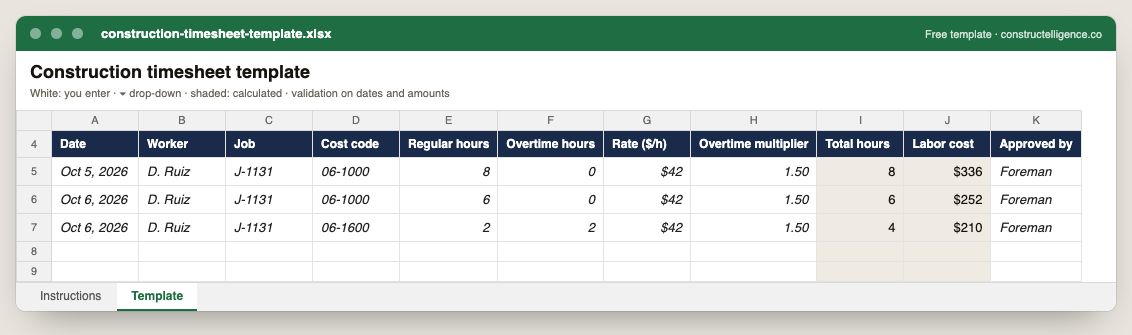
Construction timesheet template
Everything payroll and job costing both need from one timesheet: the worker, the date, the job and cost code the hours belong to, regular and overtime hours, the…
Download ExcelGuide & example →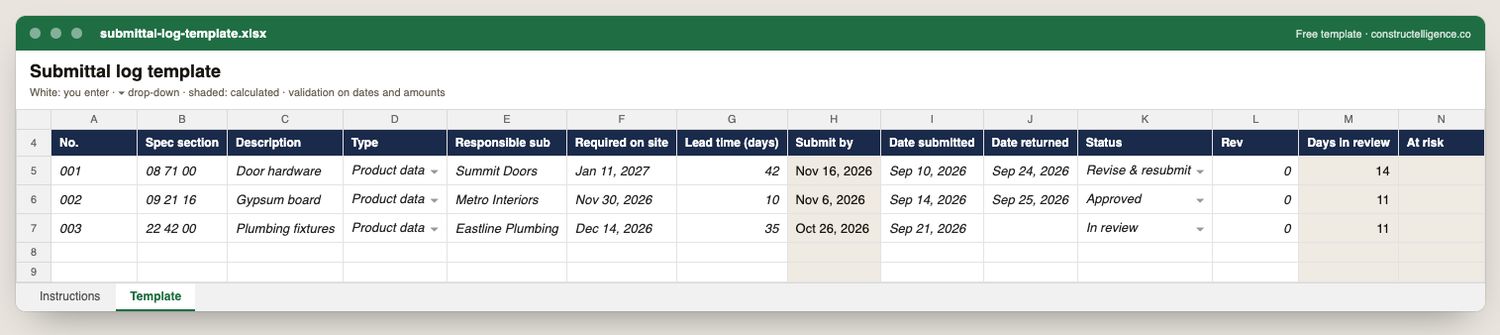
Submittal log template
Everything needed to get submittals approved before the material is needed on site: the spec section and type, the responsible subcontractor, the date it is…
Download ExcelGuide & example →Billing & cash
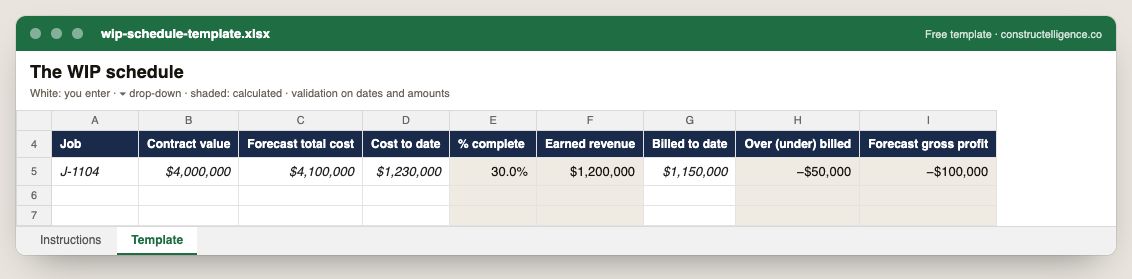
WIP schedule template
Per job: contract value, forecast total cost, cost to date and billed to date, with percent complete, earned revenue, over or under billing and forecast gross…
Download ExcelGuide & example →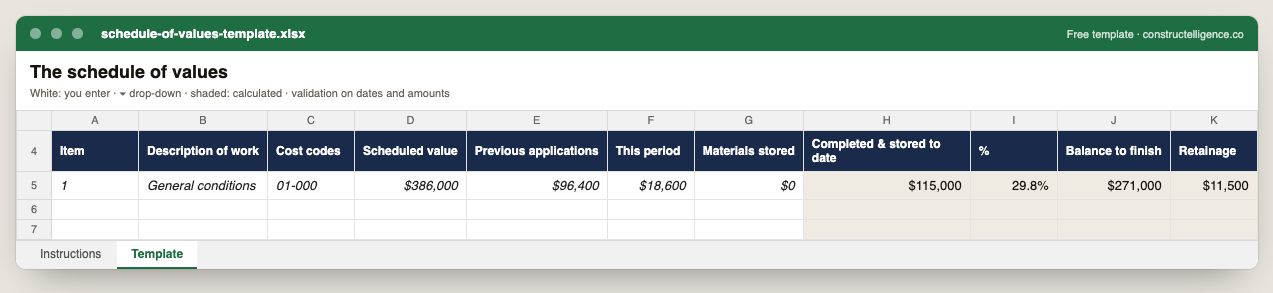
Schedule of values template
Each schedule of values line with its cost codes, scheduled value, previous applications, this period and stored materials, with completed to date, percent, balance…
Download ExcelGuide & example →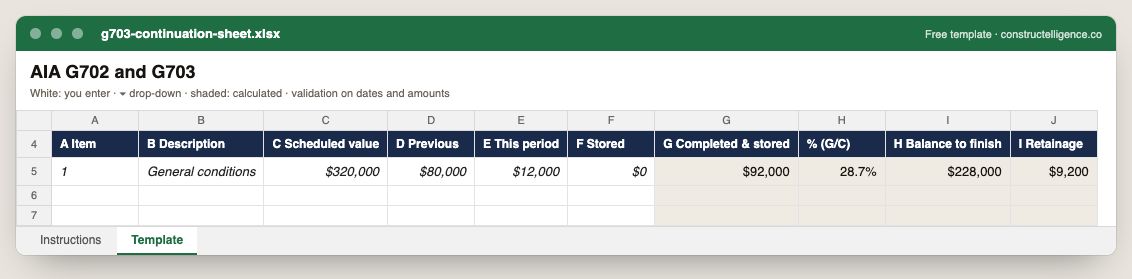
G703 continuation sheet
The G703 columns A to I: item, description, scheduled value, previous, this period and stored, with completed and stored, percent, balance to finish and retainage…
Download ExcelGuide & example →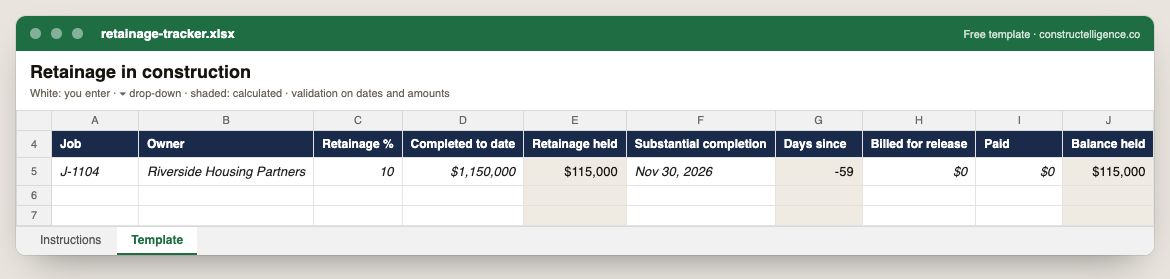
Retainage tracker
Retainage per job: the rate, completed to date and retainage held, substantial completion and days since, what has been billed for release, what has been paid and…
Download ExcelGuide & example →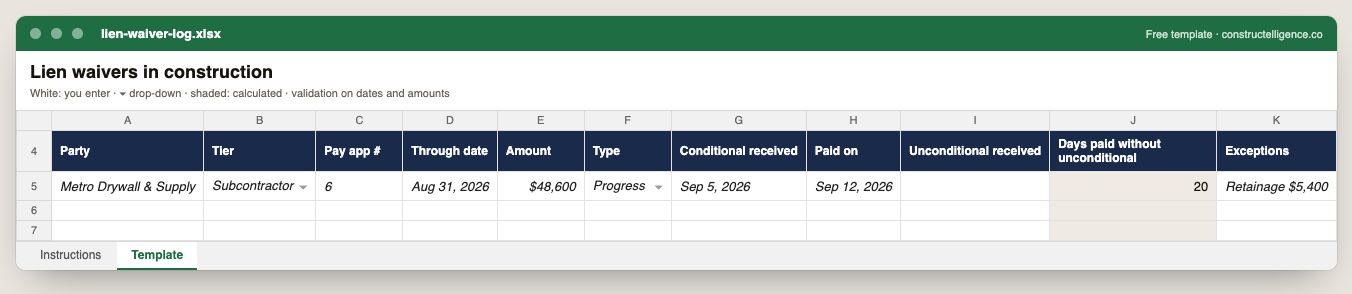
Lien waiver log
Every waiver per party and pay application: tier, through date, amount, type, when the conditional arrived, when payment was made and when the unconditional arrived…
Download ExcelGuide & example →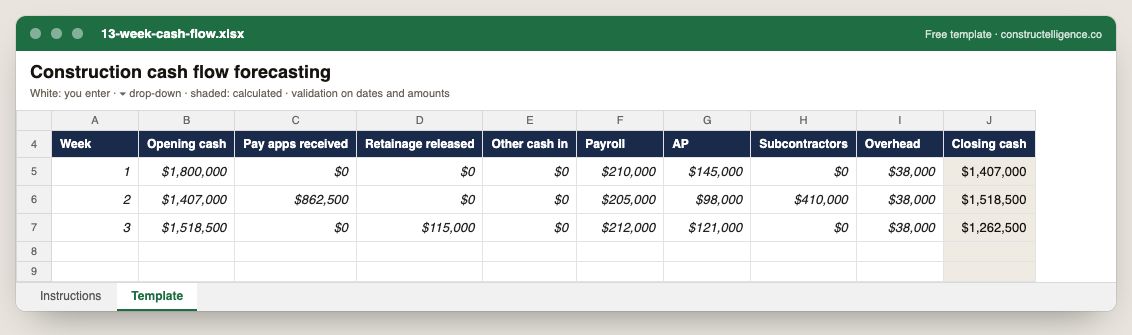
13 week cash flow
Thirteen weeks of cash: opening balance carried from the week before, pay applications, retainage and other receipts in, payroll, AP, subcontractors and overhead…
Download ExcelGuide & example →Forecasting & cost
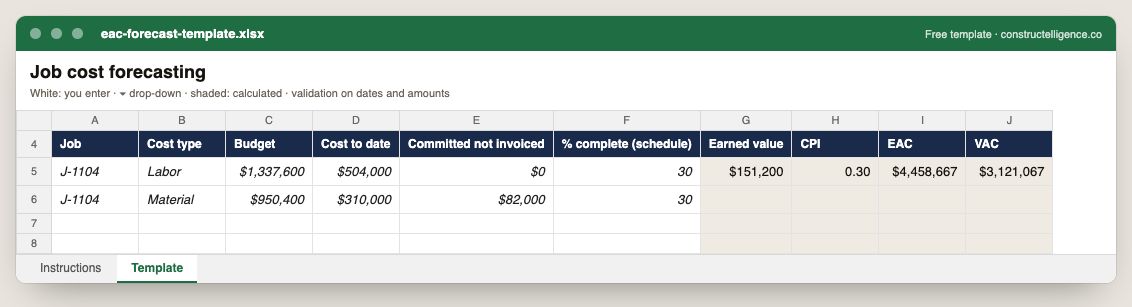
EAC forecast template
Budget, cost to date and committed cost by job and cost type, with earned value, CPI, estimate at completion and variance at completion calculated.
Download ExcelGuide & example →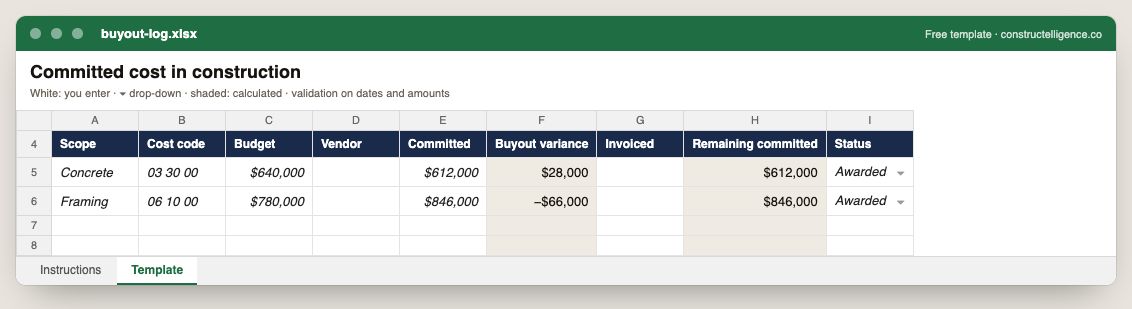
Buyout log
Each scope bought out: budget, vendor, committed amount, buyout variance, invoiced and remaining commitment, and status.
Download ExcelGuide & example →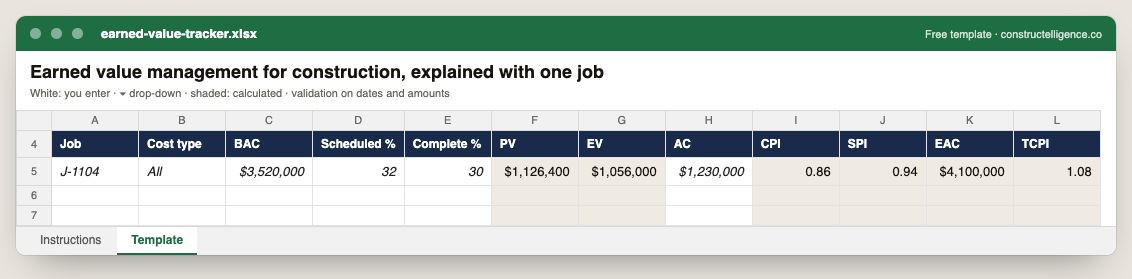
Earned value tracker
Budget at completion with scheduled and actual percent complete, and PV, EV, CPI, SPI, EAC and TCPI calculated from them and actual cost.
Download ExcelGuide & example →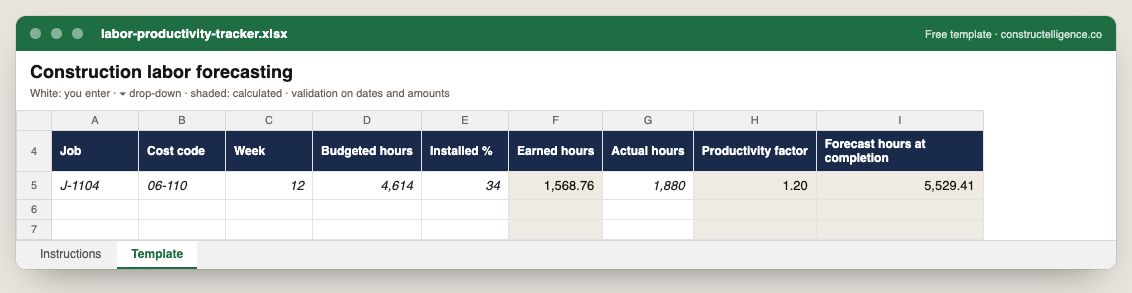
Labor productivity tracker
Weekly labor by cost code: budgeted hours and installed percent, with earned hours, productivity factor and forecast hours at completion calculated.
Download ExcelGuide & example →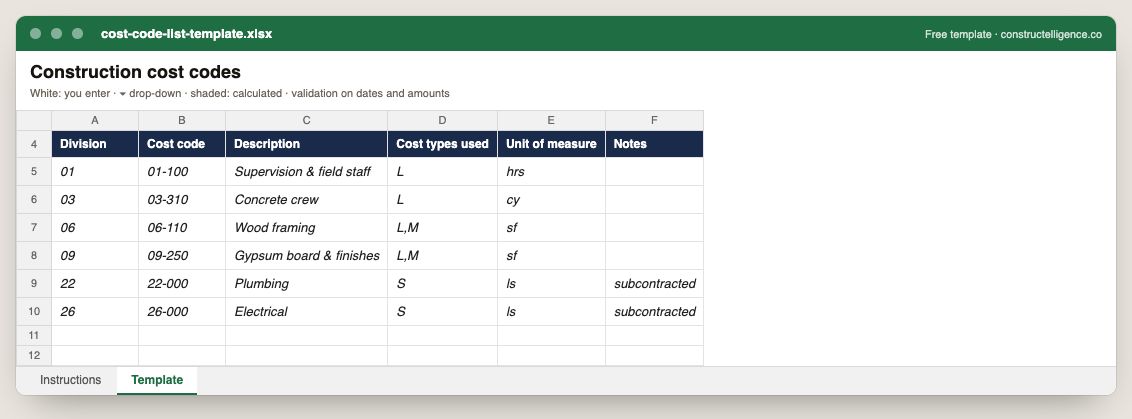
Cost code list template
A cost code list: division, code, description, cost types used and unit of measure.
Download ExcelGuide & example →Running the business
Change order log template
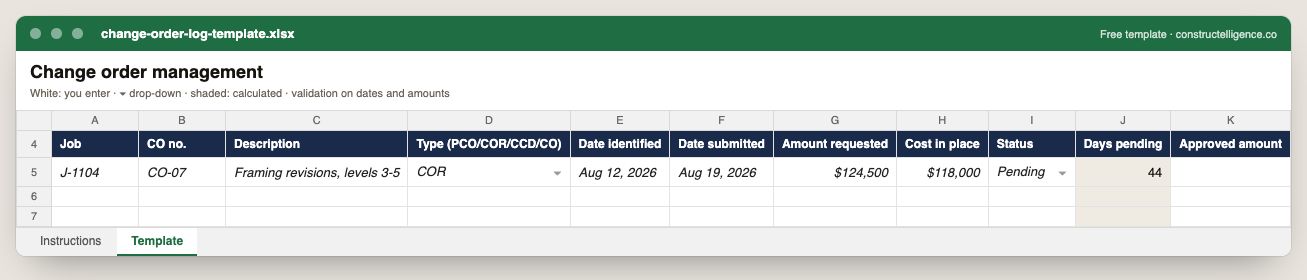
Every change from first notice: job, number, type, dates identified and submitted, amount requested, cost already in place, status, days pending and approved amount.
Download ExcelGuide & example →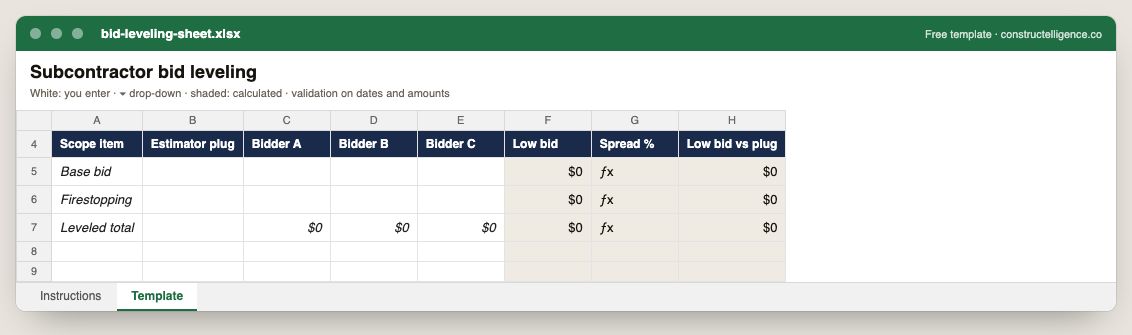
Bid leveling sheet
Each scope item with the estimator's plug and every bidder's number, with the low bid, the spread between bids and the low bid against the plug calculated.
Download ExcelGuide & example →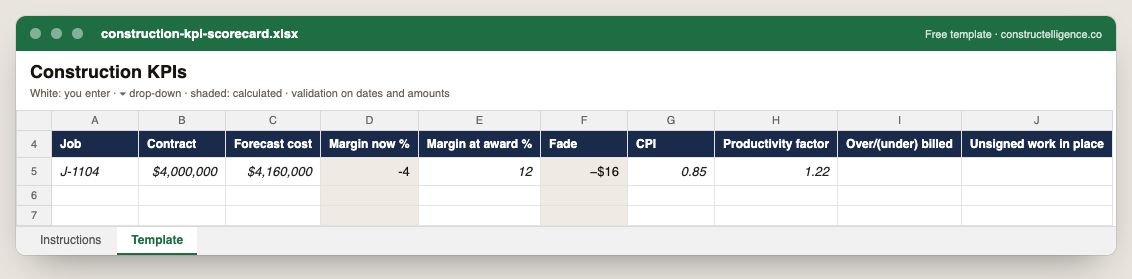
Construction KPI scorecard
Per job: contract and forecast cost, margin now and at award with fade calculated, CPI, productivity factor, billing position and unsigned work in place.
Download ExcelGuide & example →Scheduling & field
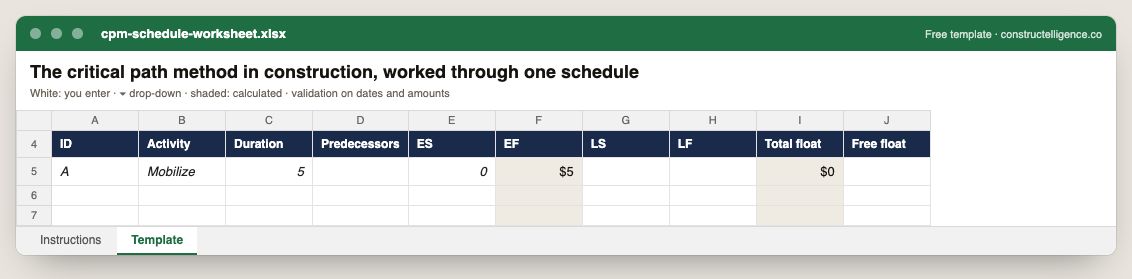
CPM schedule worksheet
Each activity's duration and predecessors with early and late start and finish, and total and free float.
Download ExcelGuide & example →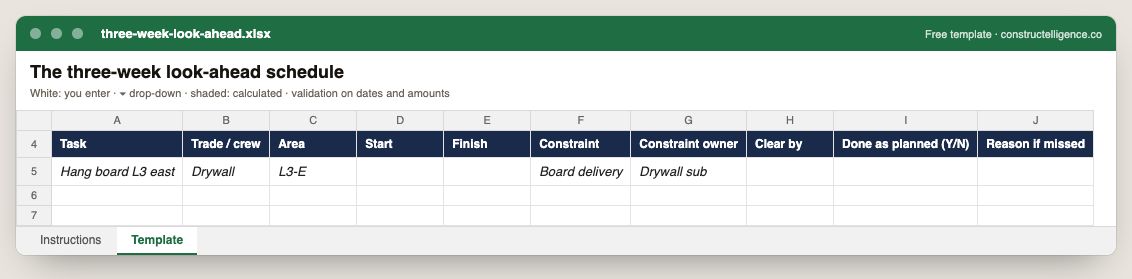
Three week look ahead
Each task in the next three weeks with trade, area, dates, the constraint that could stop it, who clears it by when, and whether it was done as planned and why not.
Download ExcelGuide & example →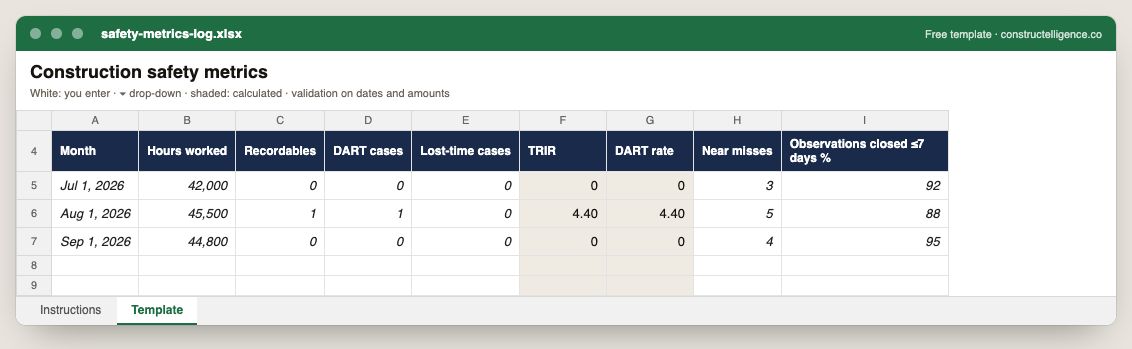
Safety metrics log
Monthly hours worked, recordables, DART and lost-time cases and near misses, with TRIR and DART rate calculated, and the share of observations closed within seven days.
Download ExcelGuide & example →Software by trade
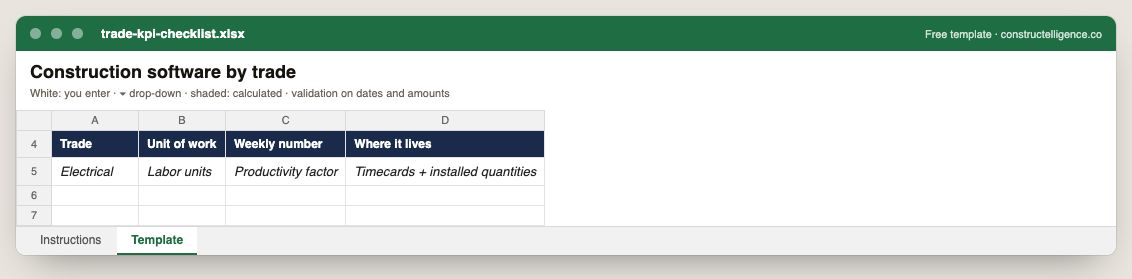
Trade KPI checklist
For each trade: its unit of work, the number to track weekly and the system it lives in.
Download ExcelGuide & example →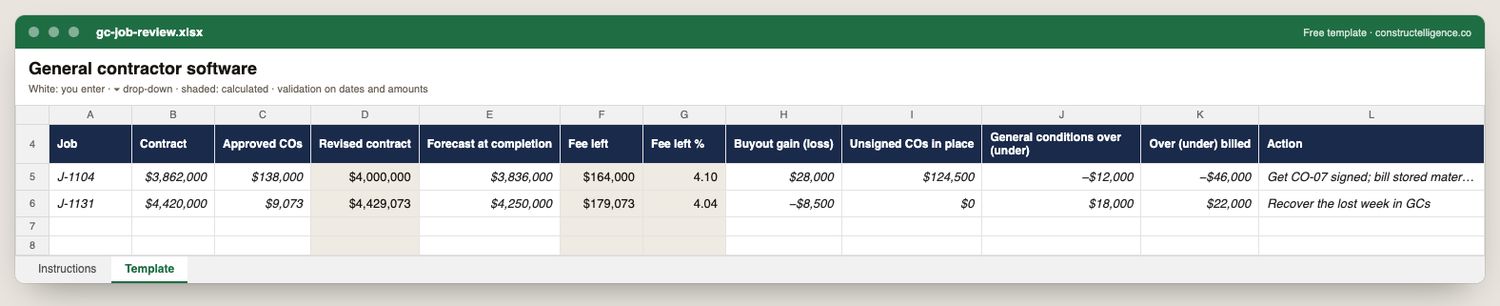
GC job review
A general contractor's weekly job review: contract and approved changes, forecast at completion, fee left in dollars and percent, buyout gain or loss, unsigned…
Download ExcelGuide & example →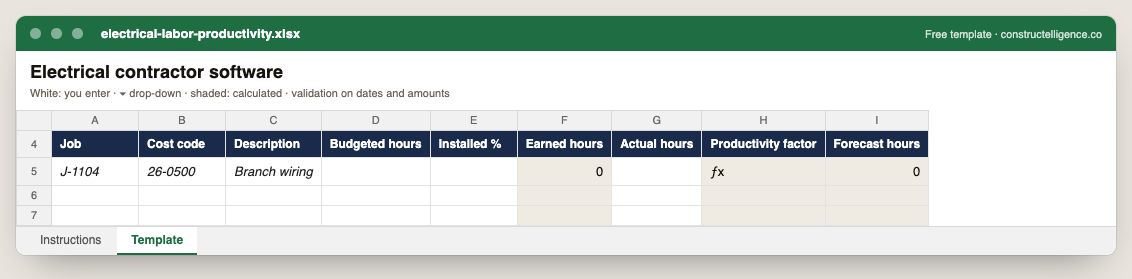
Electrical labor productivity
Labor by cost code: budgeted hours and installed percent, with earned hours, the productivity factor and forecast hours calculated.
Download ExcelGuide & example →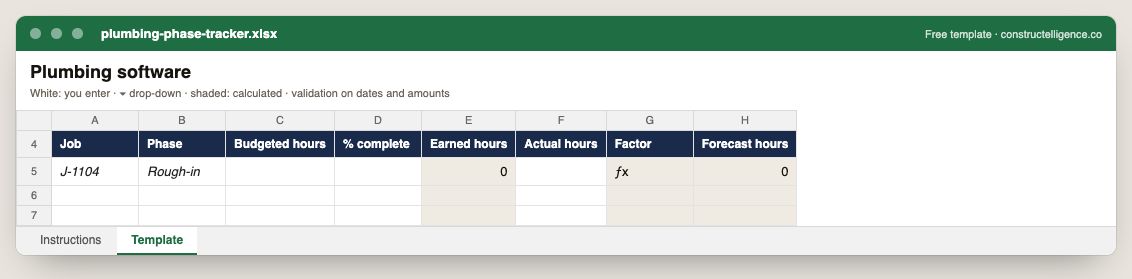
Plumbing phase tracker
Labor by phase: budgeted hours and percent complete, with earned hours, the productivity factor and forecast hours calculated.
Download ExcelGuide & example →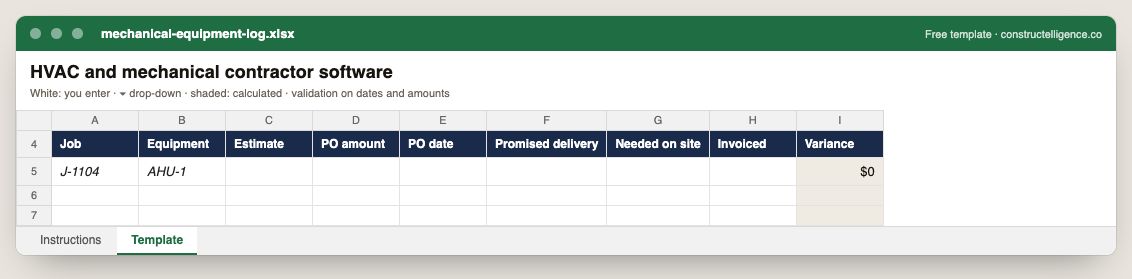
Mechanical equipment log
Each equipment item with its estimate, PO amount and date, promised and needed dates, invoiced amount and the variance calculated.
Download ExcelGuide & example →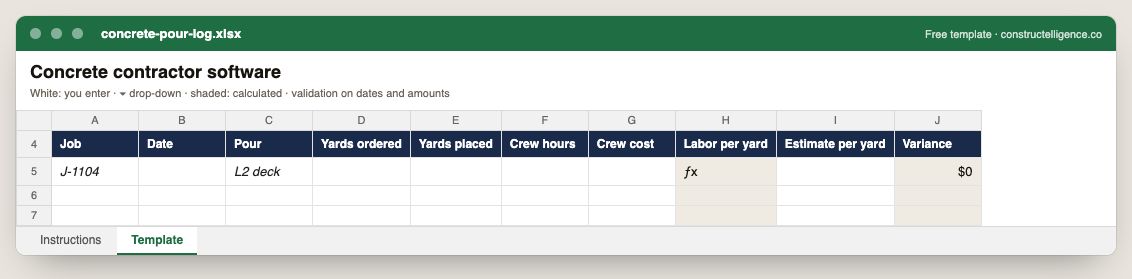
Concrete pour log
Each pour with yards ordered and placed, crew hours and cost, labor per yard calculated against the estimate and the variance.
Download ExcelGuide & example →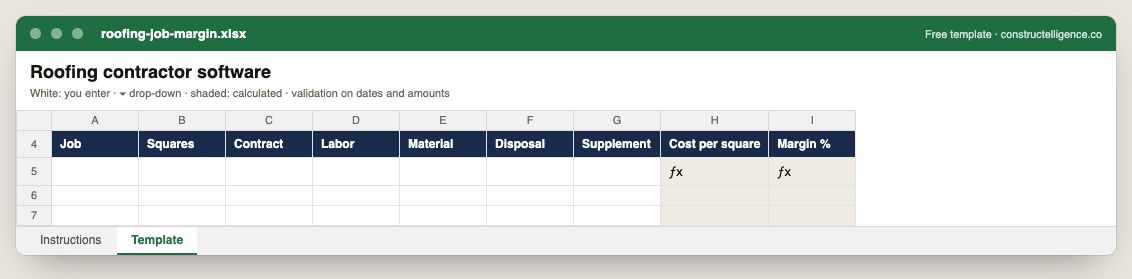
Roofing job margin
Each roofing job's squares, contract, labor, material, disposal and supplements, with cost per square and margin calculated.
Download ExcelGuide & example →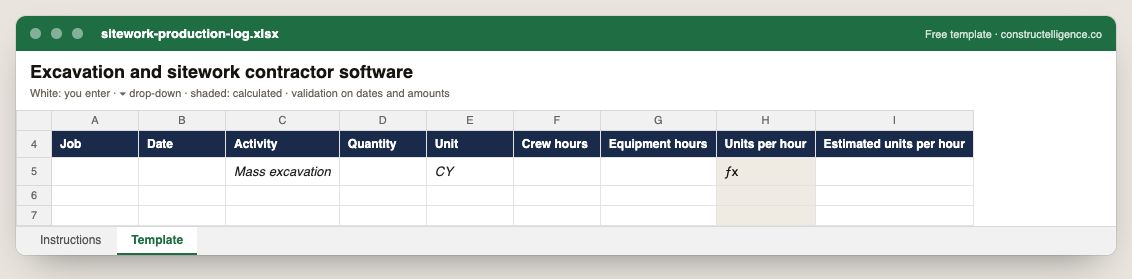
Sitework production log
Daily production by activity: quantity, crew and equipment hours, units per hour calculated against the estimate.
Download ExcelGuide & example →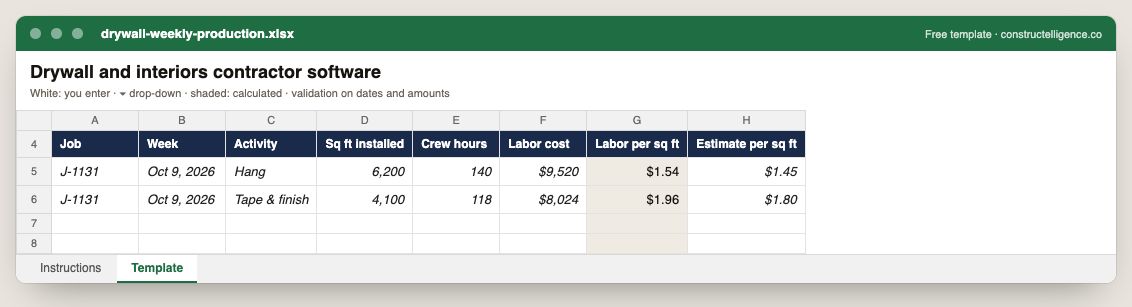
Drywall weekly production
Weekly production by activity: square feet installed, crew hours and labor cost, with labor per square foot calculated against the estimate.
Download ExcelGuide & example →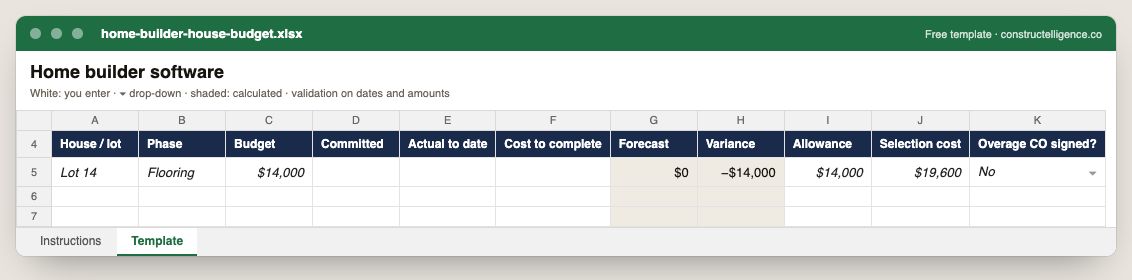
Home builder house budget
Each house's budget by phase with committed, actual and cost to complete, forecast and variance calculated, and every allowance against its selection with the…
Download ExcelGuide & example →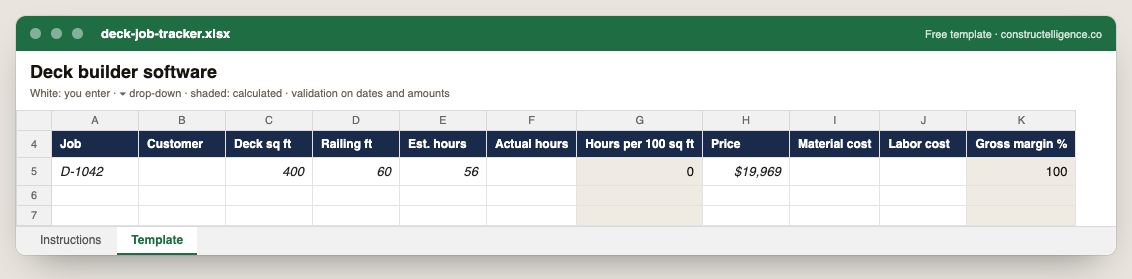
Deck job tracker
Each deck job's size, railing, estimated and actual hours, hours per 100 sq ft, price, material and labor cost, and gross margin calculated.
Download ExcelGuide & example →Construction software & tech
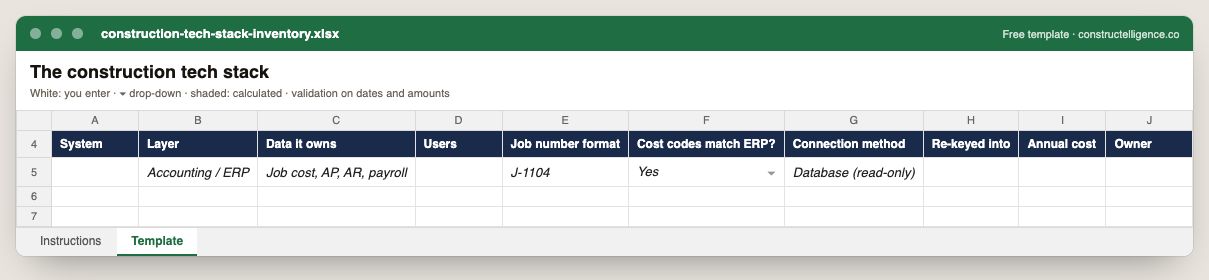
Construction tech stack inventory
Every system in the company with its layer, the data it owns, users, job number format, whether cost codes match the ERP, how it connects, what gets re-keyed, its…
Download ExcelGuide & example →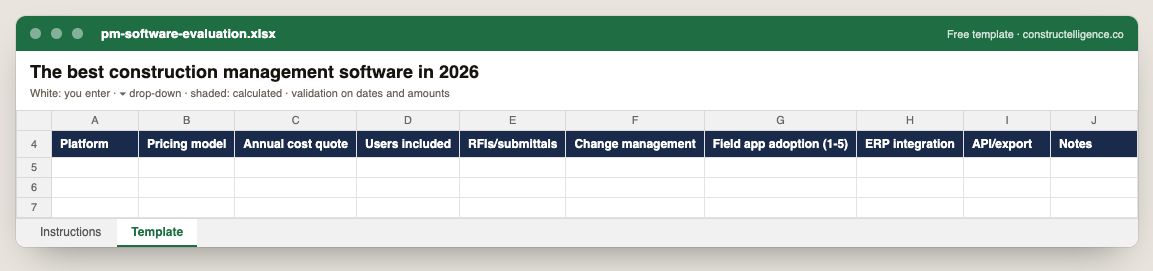
PM software evaluation
Each platform under evaluation with pricing model, annual quote and users included, scored on RFIs and submittals, change management, field adoption, ERP…
Download ExcelGuide & example →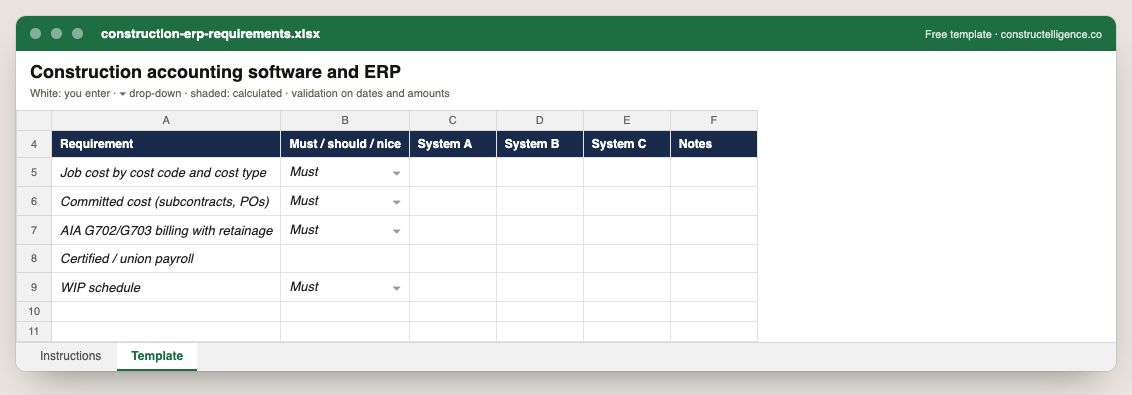
Construction ERP requirements
Each requirement ranked must, should or nice, scored against up to three systems, with notes from the demos.
Download ExcelGuide & example →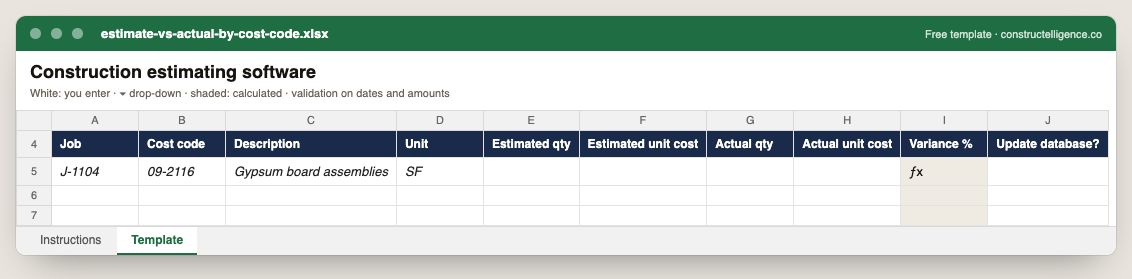
Estimate vs actual by cost code
Estimated and actual quantity and unit cost for every cost code on a finished job, the variance calculated, and whether the cost database should change.
Download ExcelGuide & example →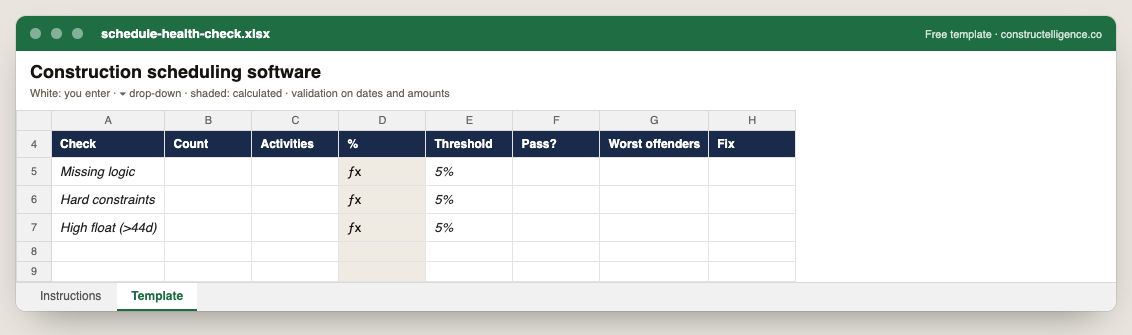
Schedule health check
Each schedule check with its count, the activities affected, the share calculated against the threshold, pass or fail, the worst offenders and the fix.
Download ExcelGuide & example →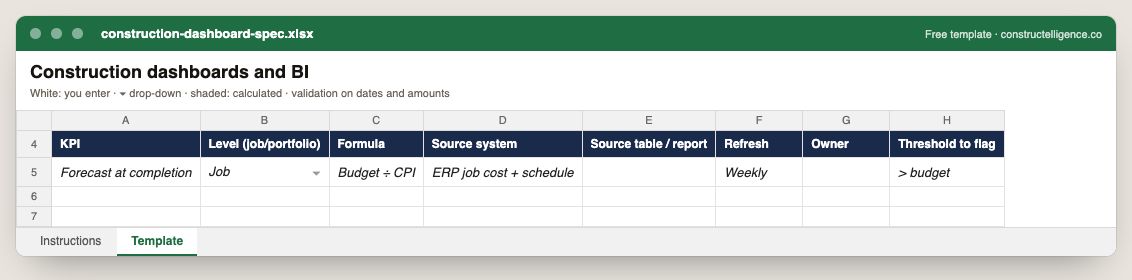
Construction dashboard spec
Each KPI on the dashboard with its level, formula, source system and table, refresh frequency, owner and the threshold that flags it.
Download ExcelGuide & example →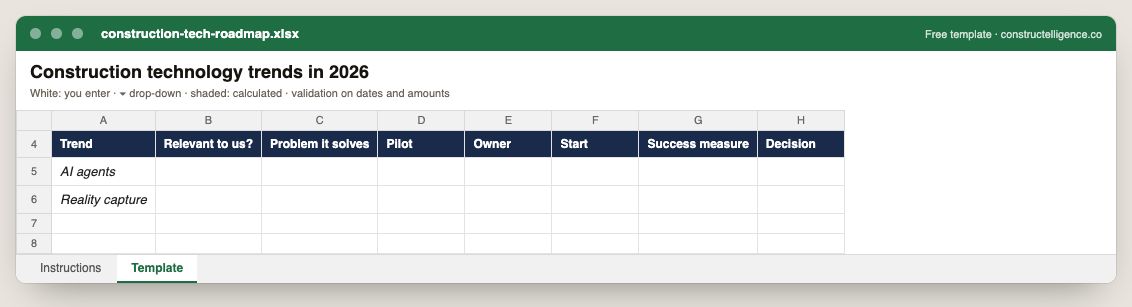
Construction tech roadmap
Each technology trend with whether it is relevant, the problem it solves, the pilot, owner, start date, success measure and decision.
Download ExcelGuide & example →
Sage 300 CRE WIP columns
The WIP columns a Sage 300 CRE report needs per company and job: contract and approved changes, budget, cost to date, committed not invoiced, estimated total cost,…
Download ExcelGuide & example →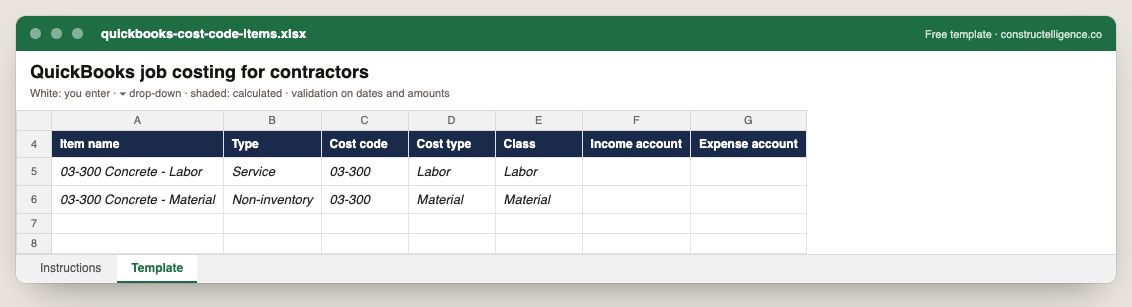
QuickBooks cost code items
Each cost code set up as a QuickBooks item, with type, cost type, class and the income and expense accounts it posts to.
Download ExcelGuide & example →Data & integrations
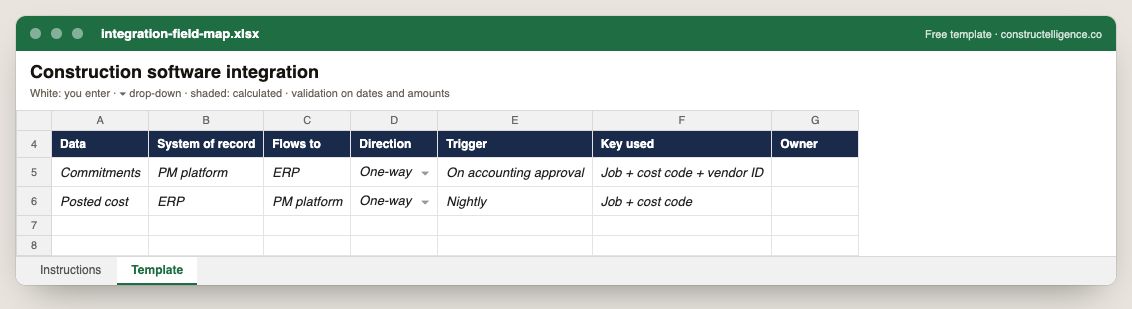
Integration field map
Each data item with its system of record, where it flows, direction, trigger, the key used to match it and the owner.
Download ExcelGuide & example →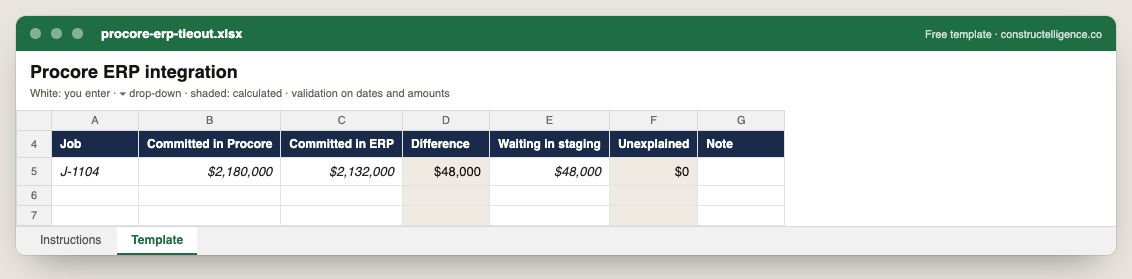
Procore ERP tieout
Committed cost per job in Procore and in the ERP, the difference, what is waiting in staging and what is unexplained.
Download ExcelGuide & example →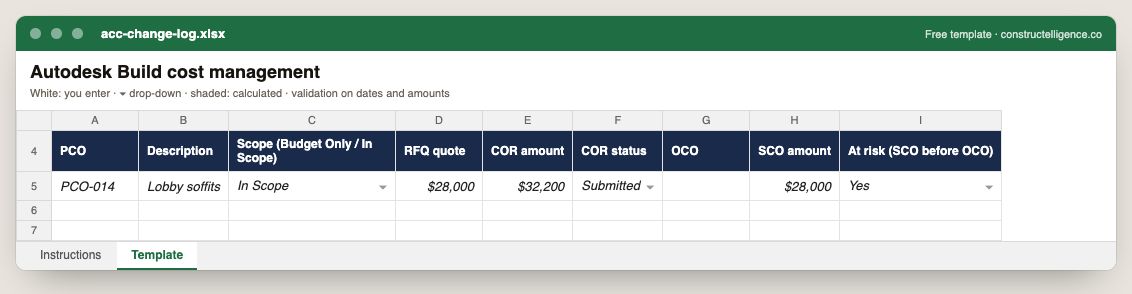
ACC change log
Each potential change order through the Autodesk Build chain: scope type, RFQ quote, COR amount and status, owner change order, supplier change order amount and…
Download ExcelGuide & example →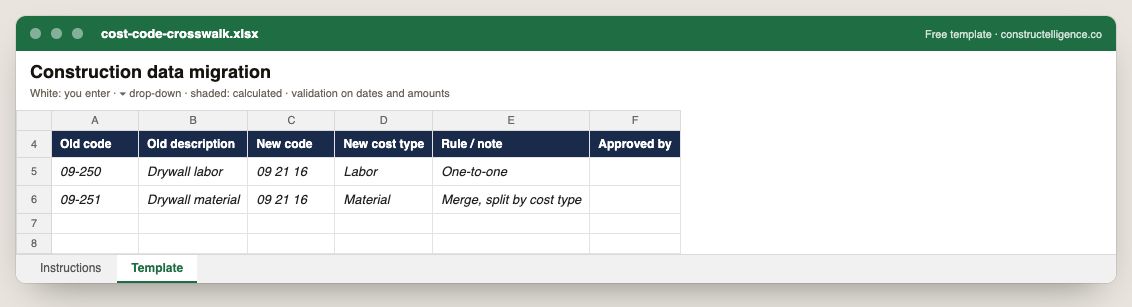
Cost code crosswalk
Each old cost code mapped to its new code and cost type, with the rule and who approved it.
Download ExcelGuide & example →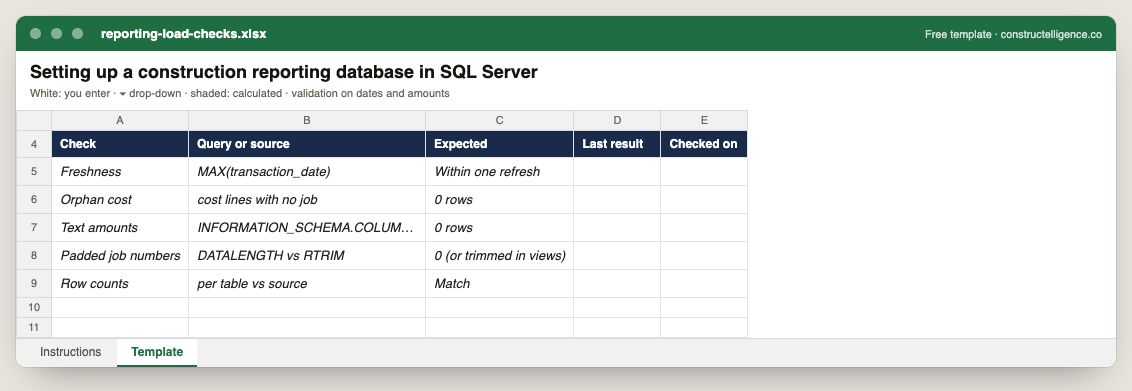
Reporting load checks
Each reporting-database check with its query, the expected result, the last result and when it was checked.
Download ExcelGuide & example →AI in construction
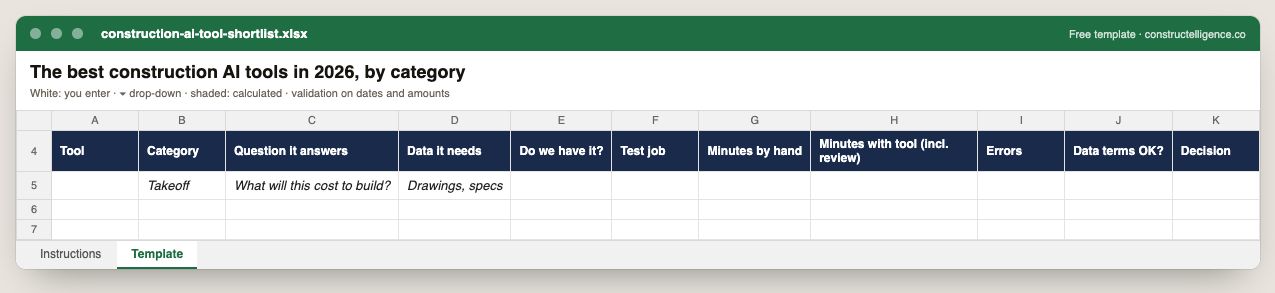
Construction AI tool shortlist
Every tool on the shortlist with the question it answers, the data it needs and whether you hold it, and the result of a timed test on a real job — minutes by hand,…
Download ExcelGuide & example →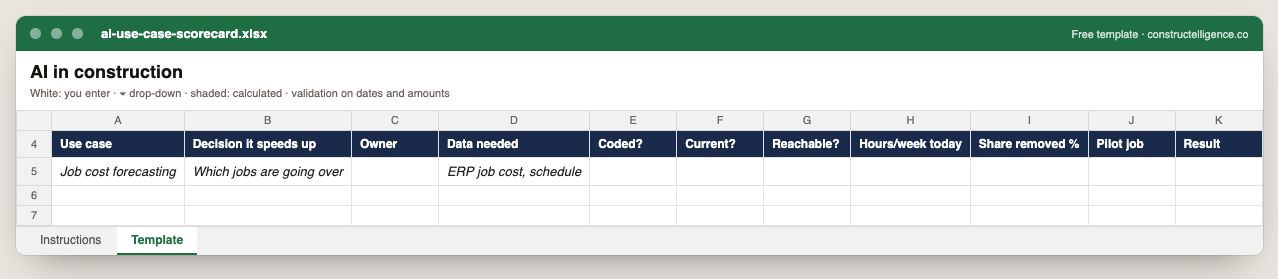
AI use case scorecard
Each AI use case with the decision it speeds up, its owner, the data it needs scored for coding, currency and reach, the hours a week it costs today, the share a…
Download ExcelGuide & example →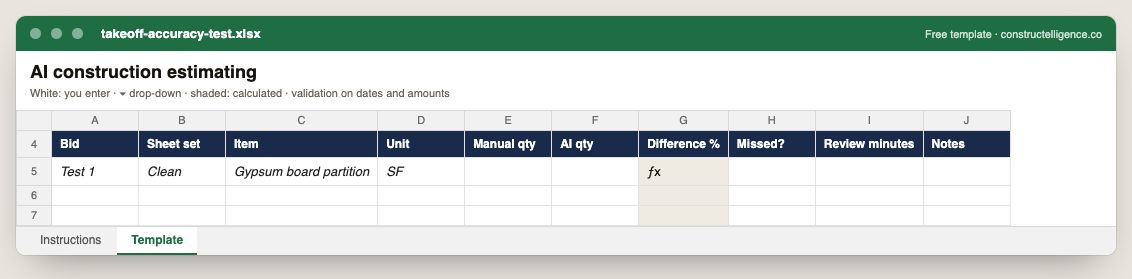
Takeoff accuracy test
A line-by-line comparison of manual and AI takeoff on the same sheets: item, unit, both quantities, the difference calculated, items missed and review time.
Download ExcelGuide & example →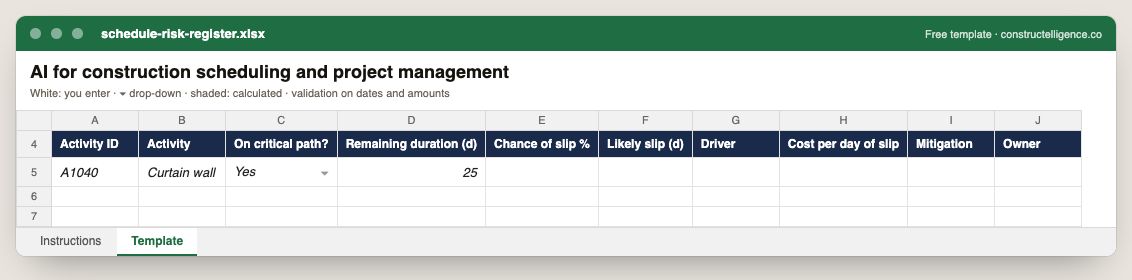
Schedule risk register
Each schedule risk with its activity, whether it is critical, remaining duration, chance and likely size of the slip, its driver, the cost per day, the mitigation…
Download ExcelGuide & example →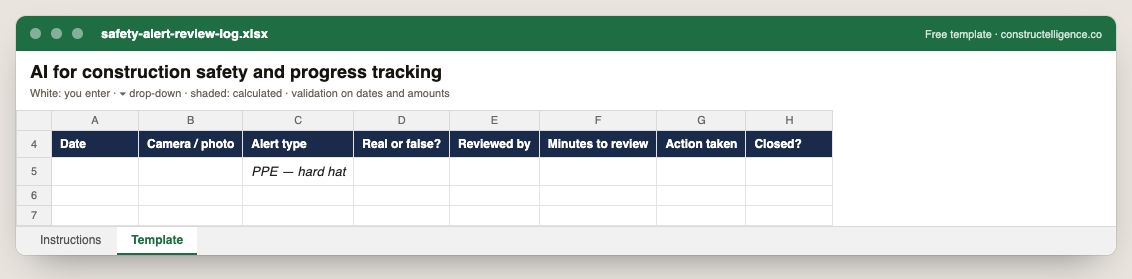
Safety alert review log
Every AI or camera safety alert with its source, type, whether it was real, who reviewed it and how long it took, the action taken and whether it is closed.
Download ExcelGuide & example →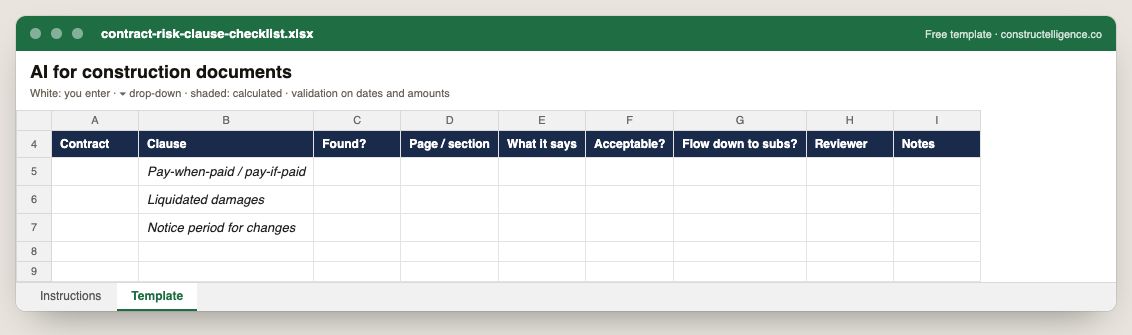
Contract risk clause checklist
Each risk clause looked for in a contract, whether it was found and where, what it says, whether it is acceptable, whether it flows down to subs, and who reviewed it.
Download ExcelGuide & example →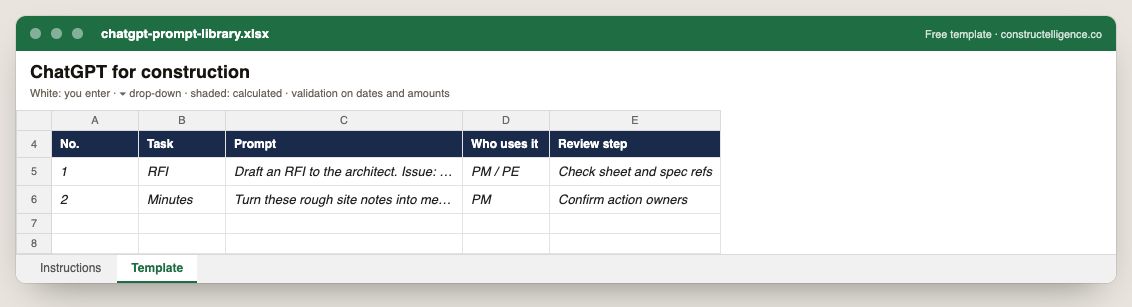
ChatGPT prompt library
A numbered prompt library: the task, the exact prompt, who uses it and the human review step before anything goes out.
Download ExcelGuide & example →See it on real-looking numbers
Constructelligence is a construction intelligence platform: it reads your ERP, project and field systems read-only and does this arithmetic every week, for every job. The demo runs it on a sample eight-job portfolio.
Try the demoJoin the private betaFrequently asked questions
Are these construction templates free?
Yes. Every template downloads free as an Excel workbook or a CSV, with no sign-up. Use, copy and adapt them for your own projects.
Do the templates work in Google Sheets?
Yes. Open the Excel workbook in Google Sheets, or download the CSV. Drop-down lists and validation carry over from the workbook; the CSV carries the columns and formulas.
What makes these templates different from a blank spreadsheet?
Each is built around the data the document has to capture: the columns are chosen from how the document is used, values that should be consistent are drop-down lists, dates and amounts are validated, and calculated columns are formulas filled down every row — with an Instructions sheet that explains each column.
Which construction template should I start with?
For a contractor running jobs: the construction budget template (budget, committed, actual and forecast by cost code), the change order form and the schedule. For billing: the construction invoice and schedule of values templates.
Related guides
More in Templates & forms
- Construction scope of work template: what to include, a filled-in example and a free download
- Punch list template: the fields that get items closed, an example and a free Excel download
- Construction estimate template: labor, material, equipment and subs by cost code — free Excel
- Construction change order form: what it must show, a priced example and a free template
- Construction daily report template: what to record every day, an example and a free download
- Construction bid template: base bid, alternates, unit prices and exclusions — free Excel
- RFI template: how to write a construction RFI, an example and a free form and log
- Construction proposal template: scope, price, exclusions and payment schedule — free download
- Construction timesheet template: hours by job and cost code, overtime and labor cost — free Excel
- Submittal log template: track every submittal from spec to approval — free Excel